|
 |
 |
 |
 |
2 of 10 |  |
|
|||||||||||
The application of the Locator is similar to that of the data tables
in Part I of the Synthesis and Assessment (S&A), in that you can use
it to easily scan for data anomalies. Unlike the S&A, which has a
fixed number of data tables, the Locator allows you to customize your
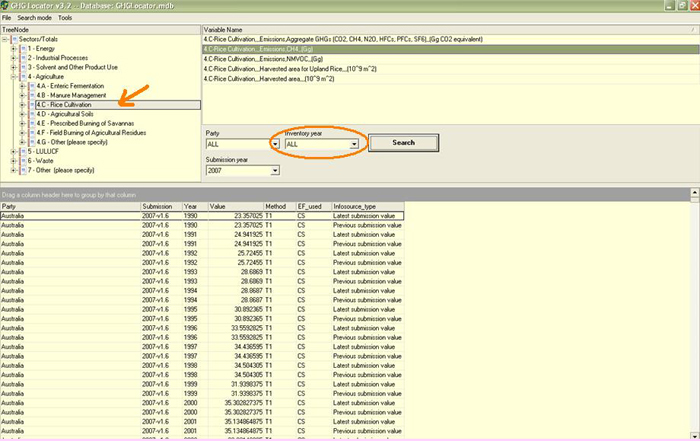
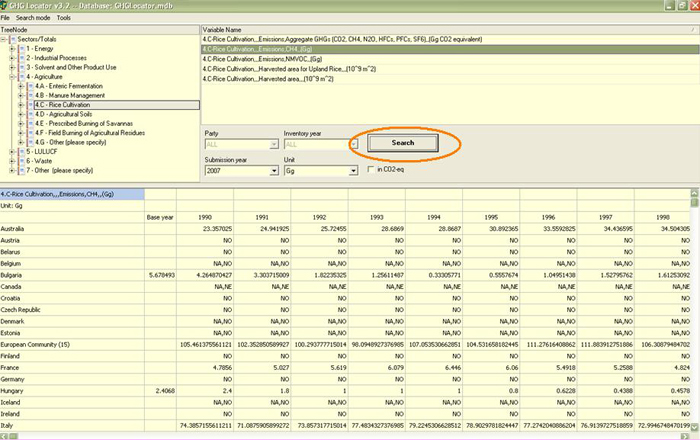
data searches and tables to fit your specific needs. You can also do the same search in time series mode, as shown in the screen shot. Simply go to the “Search mode” menu at the upper left of the screen and choose “time series”.
|
|||||||||||
|
|||||||||||